
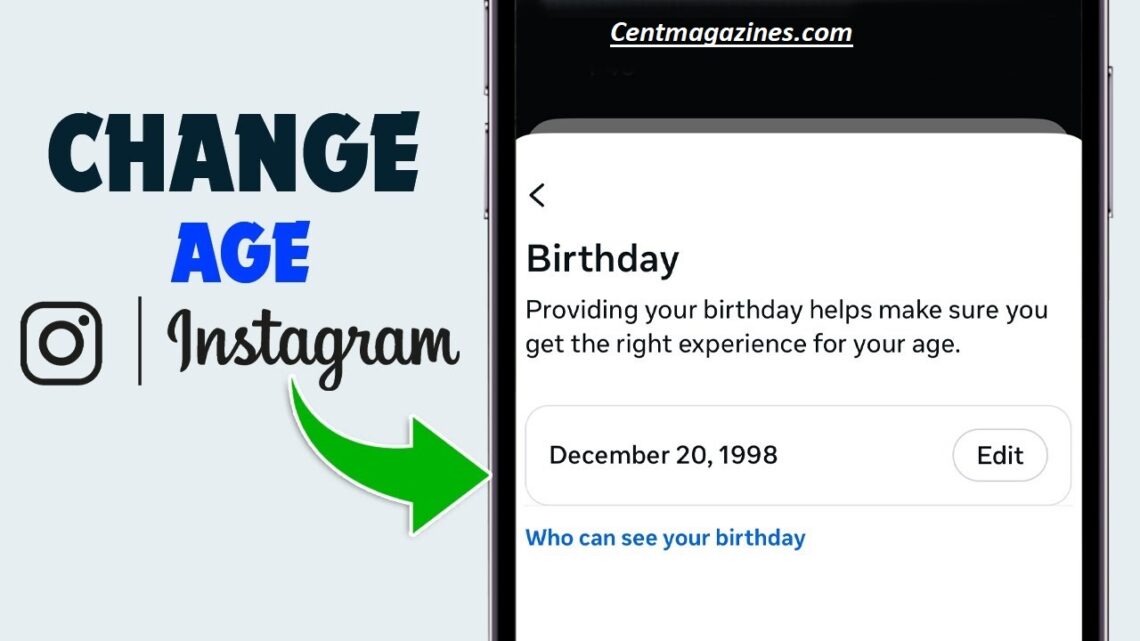
How to change your age on Instagram the process is straightforward but depends on whether your account is linked to Facebook.
First, open Instagram and go to your profile, then tap Edit Profile. Scroll to your birthday field and update it with the correct date.
If your birthday is linked to Facebook, you may need to change it there instead by going to Facebook Settings → Personal Information → Birthday. Instagram may require verification if you’re under 18 or trying to bypass age restrictions.
After submitting, your age will be updated, though it may take a few days for changes to appear.
Table of Contents
Quick Table
| Issue | Can it be fixed? | Solution |
|---|---|---|
| Wrong birthday entered by mistake | ✅ Yes | Edit in Accounts Center |
| Birthday locked after multiple edits | ⚠️ Sometimes | Submit ID verification |
| Under-age restriction triggered | ✅ Usually | Confirm your age with ID/selfie |
| Business account birthday wrong | ✅ Yes | Change in personal details section |
| Can’t access birthday settings | ⚠️ Rare | Use Accounts Center via browser |
What is Change My Age ?
“Changing my age on Instagram” means updating your birthday information in the platform’s personal details section. This date determines your account eligibility, privacy settings, and sometimes even the features you can access.
Instagram uses your date of birth to:
- confirm your age
- apply teen account rules
- limit sensitive content for minors
- enable age-restricted features
- protect users from unsafe interactions
If your birth date is wrong, several problems can occur. Your account might suddenly show content restrictions, disable messaging with adults, or require Instagram age verification. In some cases, the system may even lock your account until you submit proof.
Many users mistakenly enter the wrong birthday when signing up quickly. Others intentionally choose an older age to bypass restrictions, then later want to correct it. This often causes issues because the platform monitors frequent edits to prevent misuse.
Today, most birthday changes happen inside the Accounts Center, which controls shared settings across Facebook and Instagram under Meta. That means changing your age is no longer just a profile edit — it’s now part of a broader identity system.
Another reason people want to update their age is for business or branding accuracy. Creators, influencers, and professional accounts often need correct details for verification or ad policies.
Why Instagram asks for your birthday
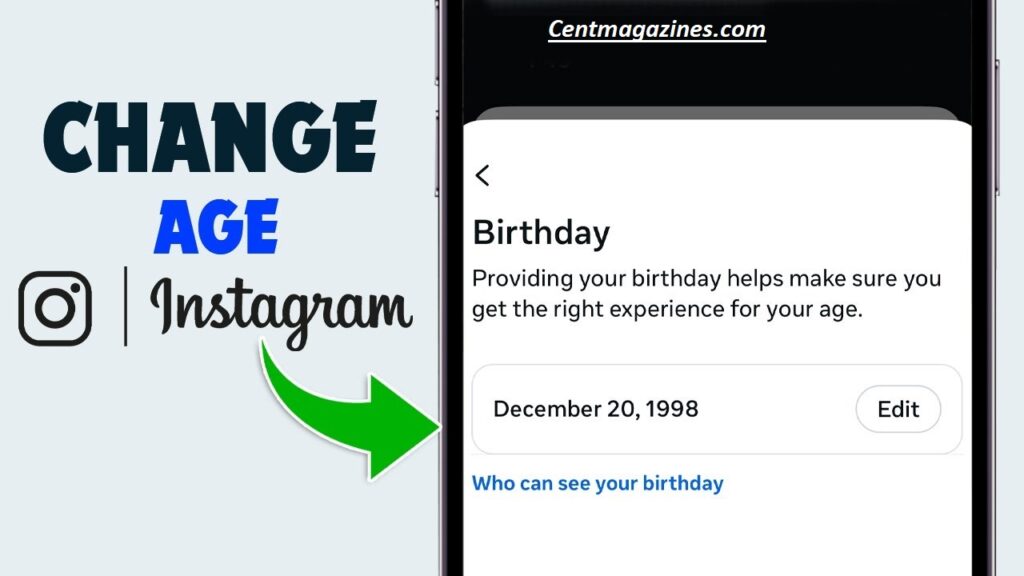
Instagram requires your birthday primarily for safety, legal compliance, and personalized experience.
The biggest reason is protection of younger users. Platforms must follow global child-safety regulations. If someone is under 18, Instagram automatically applies teen account rules, which may include:
- private profile by default
- restricted direct messaging
- limited ad targeting
- filtered sensitive content
- stricter interaction controls
Your birthday also determines eligibility for features like live streaming, monetization tools, and certain brand collaborations. If your age suggests you’re under the required limit, some features won’t appear.
Another reason Instagram collects birthdays is identity confirmation. When suspicious activity happens — like logging in from a new country — the platform may ask you to confirm your age. If your date seems inconsistent, you may face account restriction warnings.
Birthday information also helps the algorithm personalize your feed. For example, content targeting younger audiences or adults may be shown differently based on age groups.
Additionally, Instagram may use age data to prevent scams. Fake accounts pretending to be minors or adults often trigger automated checks. That’s why frequent birthday edits can sometimes lead to a locked setting or verification request.
Some users worry their birthday is publicly visible. The good news: Instagram typically keeps this information private unless you choose to display it.
In simple terms, your birthday helps Instagram:
- protect users
- follow laws
- personalize content
- prevent fake accounts
- verify identity
Because of these roles, changing your age is allowed — but controlled. That’s why knowing the right steps, limits, and verification methods is essential before making edits.
How to change birthday on Instagram
Here is the fastest working method in 2026 to change your age using Instagram birthday settings.
Method 1: Change age on mobile app
- Open Instagram
- Tap your profile icon
- Tap Edit Profile
- Open Personal Details
- Tap Birthday Information
- Select Edit in Accounts Center
- Update your birth date
- Save changes
That’s it. Your age updates instantly unless the system flags the change.
Method 2: Change age using browser
- Log in on desktop browser
- Go to Settings
- Open Accounts Center
- Choose Personal Details
- Edit birthday information
- Save
This method works well when the mobile option doesn’t appear.
Important tips
- You must enter a realistic birth date
- Frequent changes may trigger review
- Business and creator accounts follow the same steps
- The update may take a few minutes to sync
If Instagram detects unusual activity, you may be asked to confirm your age through verification. This is normal and not a punishment.
Most users can change their age in less than a minute. However, if the date doesn’t save or shows an error, your account may have hit a change limit — which we explain next.
Can you change age multiple times?
Yes, but there are limits.
Instagram allows birthday edits, but repeated changes may trigger system checks. The platform does this to prevent people from bypassing age restrictions, impersonating minors, or avoiding community safety rules.
Generally, users can change their age once without issue. A second change is often allowed too, especially if done after a long gap. But multiple edits in a short period may cause the Instagram date of birth locked message to appear.
When that happens, the system assumes your previous entries might be inaccurate. Instead of allowing unlimited edits, it may require Instagram age verification.
This usually means:
- submitting government ID
- uploading a selfie video
- confirming your age through facial estimation
If the system trusts your update, the birthday change is approved quickly. If not, it may keep your current date until verification is completed.
Another factor is account history. Older accounts tend to have stricter controls because they’ve existed longer. New accounts sometimes allow edits more easily.
If you run a creator or business profile, birthday edits still follow personal account rules because the age belongs to the account owner, not the brand.
Best practice:
- change your birthday only when necessary
- enter the correct date carefully
- avoid testing different ages repeatedly
If you already changed it several times and now can’t edit it, don’t panic. The next section explains how to fix a locked birthday step-by-step.
What if birthday is locked?
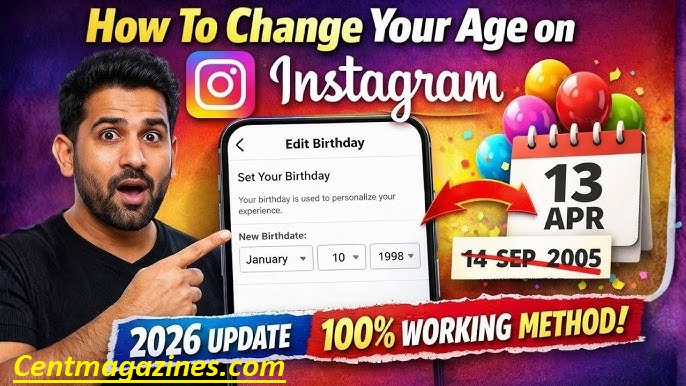
If your birthday field is locked, it usually means the system wants proof of your real age.
This can happen if:
- you changed the date multiple times
- the system detected suspicious activity
- you tried to bypass age limits
- your account was reported
- your age conflicts with past login data
When this happens, Instagram disables manual edits and asks for verification.
How to unlock your birthday
Step 1: Check for verification prompt
Open Settings → Accounts Center → Personal Details
If a verification option appears, follow it.
Step 2: Submit ID for birthday change
Accepted documents often include:
- passport
- national ID card
- driver’s license
- school ID (sometimes for minors)
Make sure:
- name is readable
- date of birth is visible
- photo is clear
Step 3: Use video selfie verification
Sometimes Instagram offers video selfie verification instead of ID.
You simply record a short face scan. The system estimates your age and confirms it.
Step 4: Wait for review
Reviews typically take:
- a few minutes
- up to 48 hours in rare cases
Once approved, your birthday unlocks or updates automatically.
If no verification option appears, try logging in via desktop or reinstalling the app. Sometimes the prompt only shows in certain versions.
Locked birthdays are frustrating, but they’re almost always fixable once you provide proof.
How to verify age on Instagram
Age verification is Instagram’s way of ensuring your birthday matches your real identity.
You may see this request when:
- editing your birthday
- appealing an account restriction
- unlocking a locked profile
- accessing age-limited features
There are three main verification methods.
1. Photo ID verification
This is the most reliable method. You upload a government-issued ID showing your name and birth date. The system checks it automatically and often approves within minutes.
Tips:
- use good lighting
- avoid covering any text
- ensure your birth date is visible
2. Video selfie verification
Instead of ID, Instagram may ask you to record a short selfie video. The system uses facial recognition to estimate age.
This method is fast and private, since the video is deleted after analysis.
3. Social confirmation method
Sometimes you may be asked to confirm your age through trusted contacts or linked accounts. This is less common but still used in some regions.
After verification
Once your age is confirmed:
- birthday updates successfully
- restrictions may disappear
- features unlock again
- messaging limits may reset
If your verification fails, you can retry with clearer documents.
Most users get approved quickly as long as their submitted information matches their profile name.

FAQ’S
Does Instagram notify followers if I change my age?
No. Birthday updates are private.
Can I remove my birthday completely?
No. The platform requires a birth date for safety rules.
How long does birthday verification take?
Usually minutes, sometimes up to 48 hours.
Can I change my age to access adult features?
You can update it, but false information may trigger restrictions.
Does changing age affect reach or algorithm?
Not directly, but it can affect what content is shown to you.
Conclusion
Fixing your age on Instagram in 2026 is easier than most users think — as long as you follow the correct steps.
The platform now stores birthday information inside the Accounts Center, meaning edits are tied to your identity rather than just your profile settings.
For most users, changing their birthday takes less than a minute. You simply open your personal details, update your birth date, and save.
But if the system detects repeated edits or unusual activity, it may lock the field or ask for verification.
This doesn’t mean your account is in danger. It simply means Instagram wants to confirm your real age before allowing changes.
In these cases, uploading an ID or completing a quick video selfie usually resolves the issue fast.
Understanding why Instagram collects birthdays helps avoid future problems. Your age affects safety filters, teen account protections, feature access, and sometimes even login security.
That’s why it’s best to enter accurate information and avoid frequent edits.
Compared to competitor guides, this tutorial covered everything — not just how to change your birthday, but also what to do if it’s locked, how verification works, and how teen rules affect your account.